
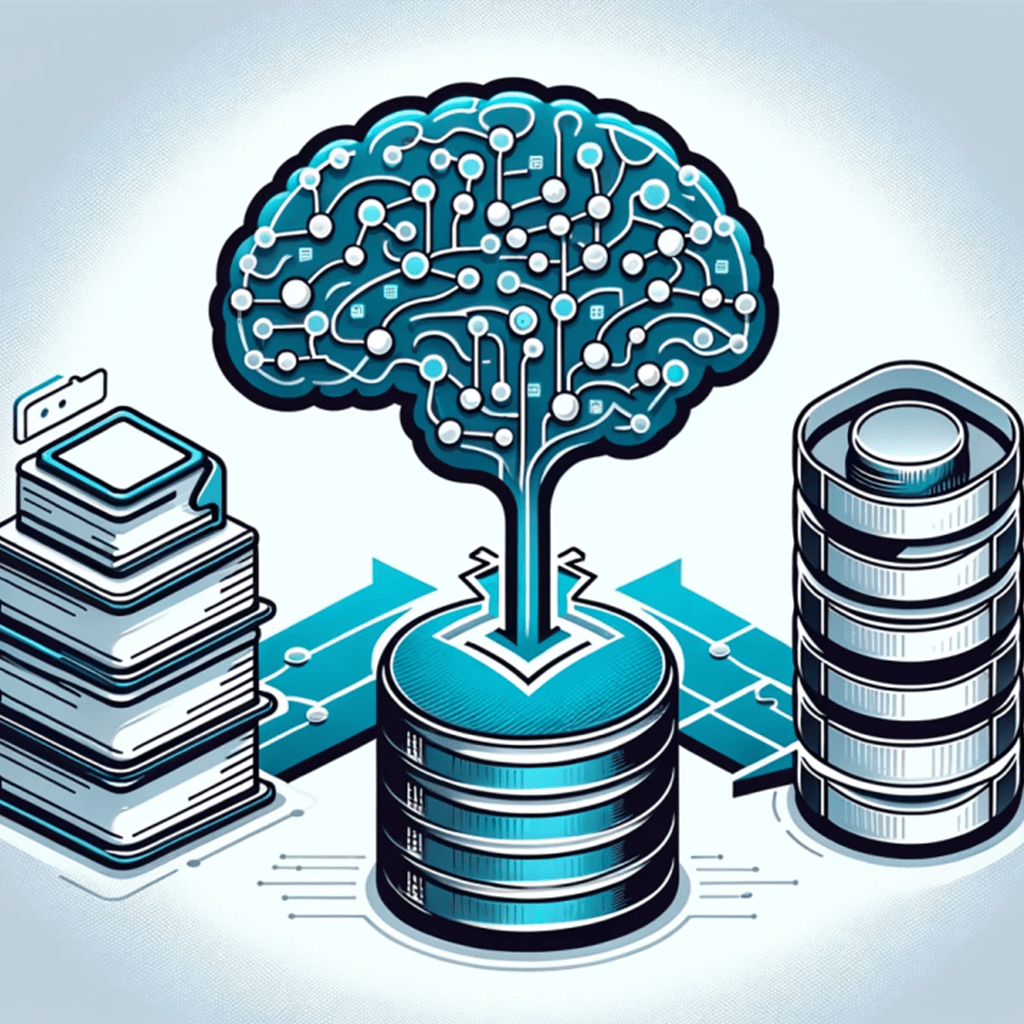
One of the biggest challenges and expenses in changing LMS suppliers has always been successfully migrating data from the old LMS system to the new LMS system.
Building SQL scripts that can do this through progressive synchronization can be labor intensive, especially in the case where you don’t have access to the original database scheme and must rely on exports and reports.
We have now built a set of AI tools that can bring that process down to a single day. The ROI on this is extraordinary!
It has taken a year to perfect these tools, and to help give you a head start, this is our approach.
Prerequisites
- Access to a large context AI LLM API (OpenAI 32k, Claude 100k, Azure OpenAI 32k)
- Ability for AI LLM to execute action (Open AI Functions, Open AI and Azure Plugins)
- Ability to create actions connected to the file system and databases.
- Ability to do prompt chains (LangChain, or we built our own)
Preparation
- Two levels of AI context documents, on the destination database.
- Two sets of sync SQL scripts from previous manual migrations, to use as examples.
- Data dump of old LMS data
Steps
- AI: Run the old LMS data through a series of prompts to create two levels of AI context documents.
- AI: Run the AI context documents of both old and new database through a series of prompts to get the High Level Mapping doc.
- AI: Run the database context documents and the high-level mapping doc, through a series of prompt to get the Detailed Mapping doc. TIP: Here it is of critical importance to do module by module to reduce hallucinations. The smaller and more discrete the task, the lower the hallucination
- AI: Use the Detail Mapping Doc, to create a set of SQL script that check for possible loss points, such as data truncation or null failures,
- AI: Run those SQL scripts through a series of prompts that have been enable for taking SQL actions, catching and logging al errors for human review
- Human: Do a human review of errors caught, suggest approaches and create what we call a “Human Feedback Guide”, which gets fed back into the above step and repeated until no errors.
- AI: Using the above and examples, combine into a series of prompts, so as to create proposed sync SQL scripts.
- Ai: Finally, we have created a “mixture of experts” series of prompts, each one trained to look at a specific item in detail. Example could be common address migration issues, country specific data structure, Custom fields.
- AI: Using outputs from the Mixture of Experts, the Ai then creates an overall Data Integrity report.
- Human: Using the Data Integrity report, do a human review and create a “Human Feedback Guide” and feed it back into the process.
Results: It has taken a while to get the wrinkles worked out, but now we have a great AI-assisted process, backed by humans to take a lot of the pain away.
Being able to offer a rapidly synced new LMS whilst the UAT stage is ongoing, results in a smoother and more confident transition for clients.


 Jobe.ai
Leave a comment